
Masonry
A variable-height grid that keeps every photo at its natural aspect ratio, with configurable columns and gaps per breakpoint. Included in every plan.
MV Gallery 1.1.0 · Available now
MV Gallery is a flexible WordPress gallery plugin designed to help photographers, creators and businesses build modern image galleries without complicated workflows.
Get MV Gallery PRO — €39/year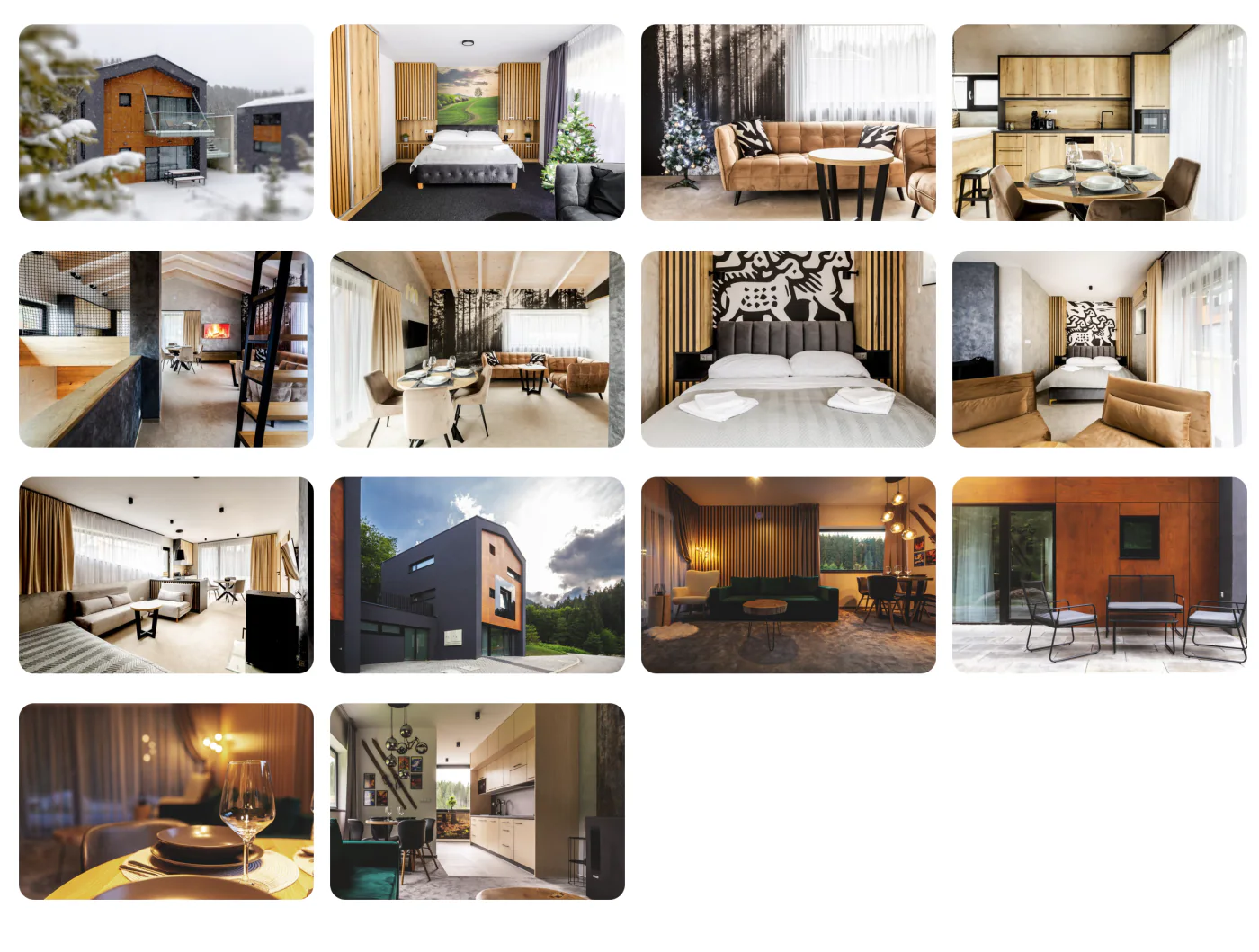
Explore the real MV Gallery interface and see how galleries are created, configured and displayed inside WordPress.
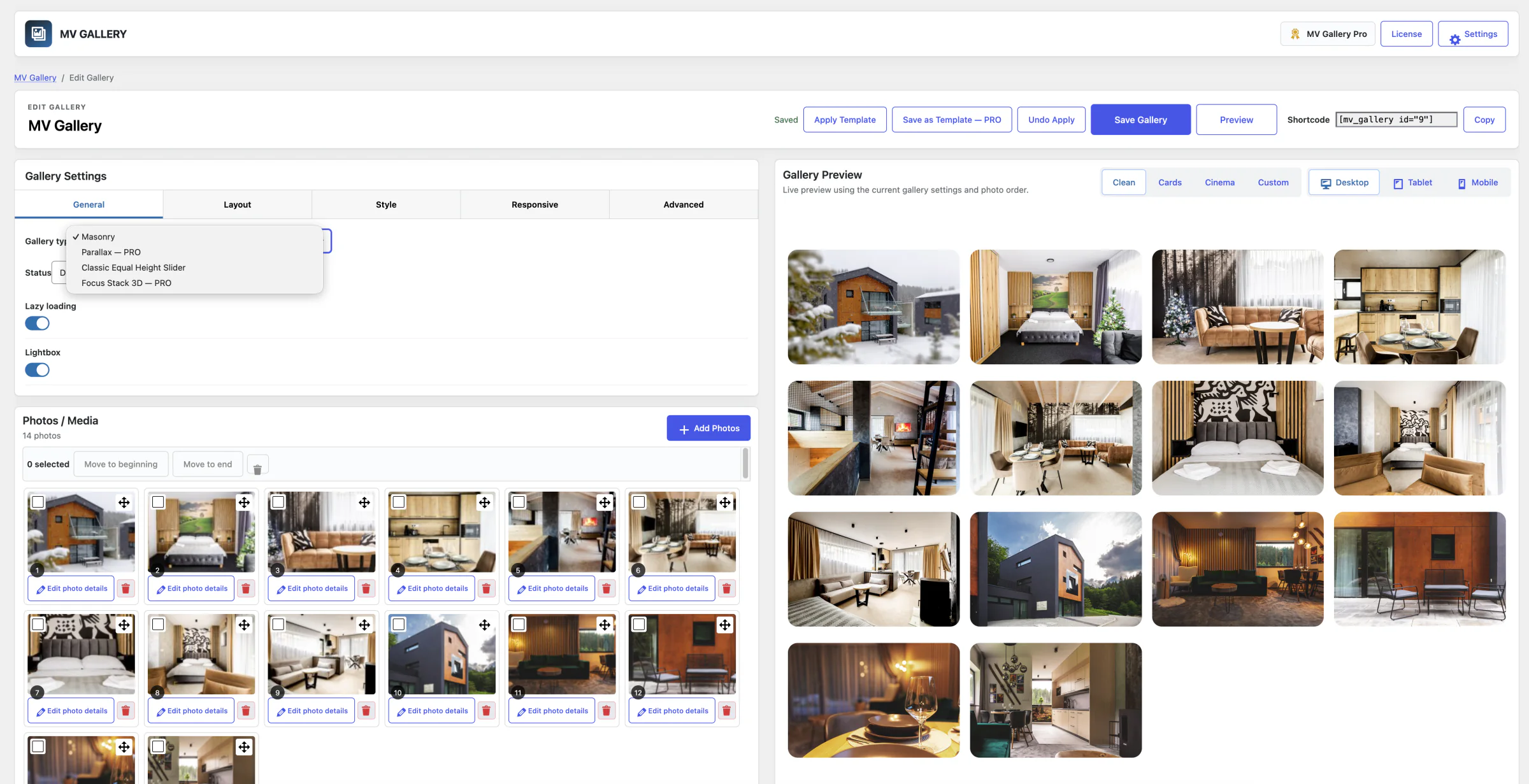
Choose a layout, add photos from the Media Library and adjust settings with a live preview.
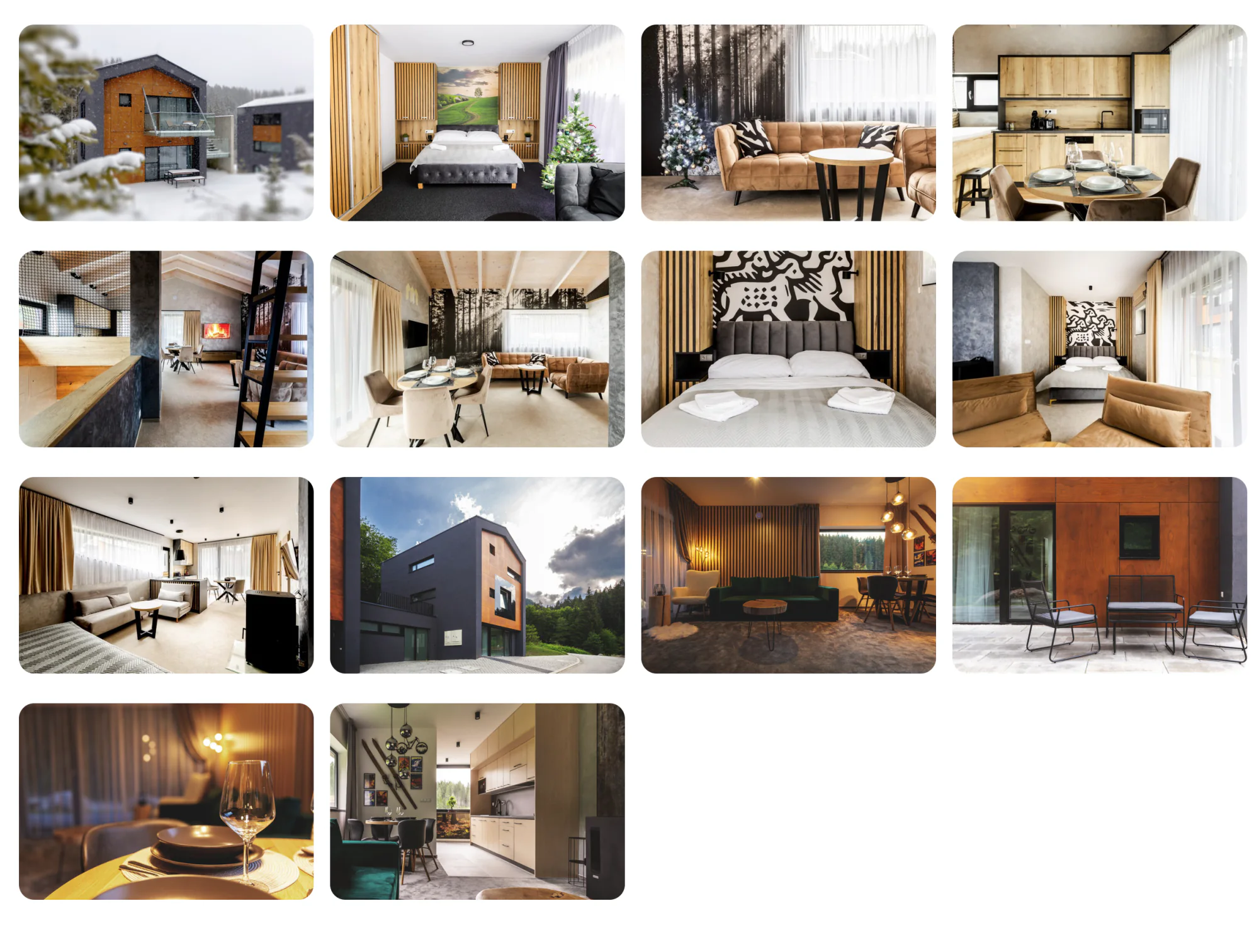
A published gallery on the front end of a WordPress page.
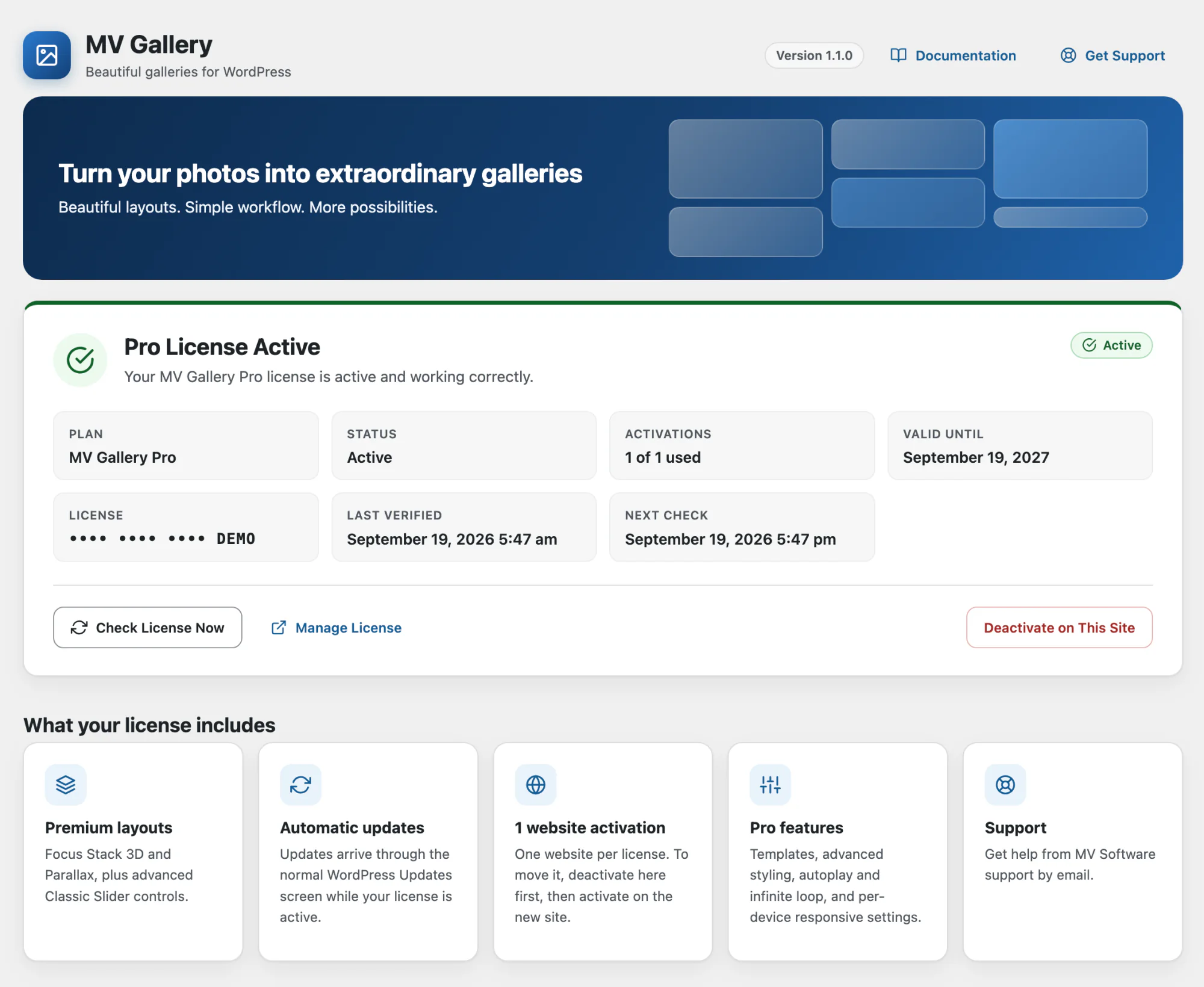
See your Pro license status and what it includes, right inside WordPress.
Every layout is a real, shipped renderer inside MV Gallery — pick one per gallery, or use different layouts on different pages.
A variable-height grid that keeps every photo at its natural aspect ratio, with configurable columns and gaps per breakpoint. Included in every plan.
A no-crop slider that keeps every photo's full frame at a shared height. The basic slider is included free; autoplay, infinite loop and advanced controls are part of PRO.
A stacked-card presentation with a real 3D perspective effect on the focused photo — a distinctive way to present a curated set of images.
A responsive photo grid with a scroll-driven depth effect, with adjustable intensity, speed and direction.
The Clean presentation for the Focus Stack live preview shows your photos without borders or shadows. Switch to Cards, Cinema or Custom while you edit.
Reorder photos by dragging them into place and watch the live preview follow your photo order.
Start from ready-made presets, or save a gallery's settings as a template and apply it to new galleries.
Set columns and spacing per breakpoint and preview your gallery on desktop, tablet and mobile.
Add any gallery with the dedicated MV Gallery block or a shortcode. A Classic Editor button is included for older sites.
In wp-admin, go to MV Gallery → Add Gallery, name it and choose a layout.
Select existing Media Library photos or upload new ones — no separate importer.
Adjust layout, style and responsive settings with a live preview before publishing.
Publish the gallery, then add it to any page or post with the MV Gallery block or its shortcode.
€0
Coming later
€39 / year
1 website · annual subscription
Buy MV Gallery PROPayment processed securely by Stripe. Renews automatically every year — cancel anytime from your account. Includes all plugin updates, every PRO layout, and support.
€149
Coming later
Currently available to customers in Slovakia. Support for more countries is coming.
Already purchased MV Gallery PRO? Sign in to your account to view your license and download.
Each MV Gallery PRO license activates on one website at a time. Moving to a new site or domain? Click Deactivate License on the old site first, then activate the same key on the new one — this does not require a new purchase.
The License screen explains exactly why (for example: invalid key, expired, or revoked) and keeps your Pro settings safely stored so they return immediately once the license is valid again.
MV Gallery updates through the normal WordPress plugin update workflow. When a new version is available, it appears on your Plugins screen like any other plugin update — review what changed under View details, then click Update Now. No manual download or re-upload is needed.
Updates are included with your active license at no extra charge. Your galleries, settings and license stay exactly as they were after an update.
Confirm your site meets the requirements above (WordPress 6.5+, PHP 8.0+). If your host limits upload size, ask your host to raise it, or install the ZIP via SFTP into wp-content/plugins/.
The License screen names the exact reason. An activation-limit message means the license is already active on another site — deactivate it there first. For anything else, contact support with the message shown.
This is usually a temporary network issue between your server and our licensing service. Pro features keep working during a short grace period — use Check License Now once your connection is restored.
WordPress checks for plugin updates periodically, not on every page load. Visit Dashboard → Updates and click Check Again to force a fresh check.
Confirm the gallery's status is Published and that the block or shortcode references the correct gallery. If your site uses a caching plugin, clear the page cache after publishing changes.
Temporarily switch to a default WordPress theme and disable other plugins one at a time to identify a conflict, then contact support with what you find. Please don't edit MV Gallery's own files — that can block future updates.
Get the full power of MV Gallery with Pro features.
MV Gallery PRO
Professional gallery plugin for WordPress
Your payment is securely processed by Stripe.
September 2026
First public release